



Why Choose a Personal Device Class (PDC)?
Our Personal Device Classes' main purpose is to provide students with the opportunity to develop the digital skills necessary for our rapidly developing future. Currently, 65% of all jobs involve using a digital device in some capacity. In the next 10 years, this will increase to 90 - 100%. Therefore, as educators, it is our responsibility to provide students with every opportunity to understand how to use these tools purposefully.
In a PDC, students will complete assignments and projects both on their devices and in their books. The device is simply a tool that is there to assist students if and when it's fit for purpose.
Students will also learn a range of 'digital fluency' skills. These include: touch typing, navigating a range of Google platforms, navigating a variety of other platforms and systems, cybersafety and much more.
Rest assured, students will be monitored and kept safe on their devices. We use a system called Hapara, which allows us to see exactly what students are doing at all times. It allows us to lock their screen, close tabs, etc. Basically, full control of their device at all times.
Why Choose a Shared Device Class (SDC)?
Our Shared Device Classes offer a collaborative and equitable approach to digital learning. We believe that access to technology is vital for every student, and the SDC model ensures that high-quality tools are available to everyone. By utilising school-provided hardware, students learn to work effectively in a shared environment, mirroring the collaborative digital workspaces found in modern industries.
In an SDC, technology is treated as a specialised resource. This model excels at fostering a healthy balance between screen time and traditional learning, as devices are integrated into the lesson for specific, high-impact activities.
Just like our PDC model, the SDC is protected by our school firewall.
If you have any further questions, please ask. We are more than happy to clarify specifics.
Parents, please support our local businesses


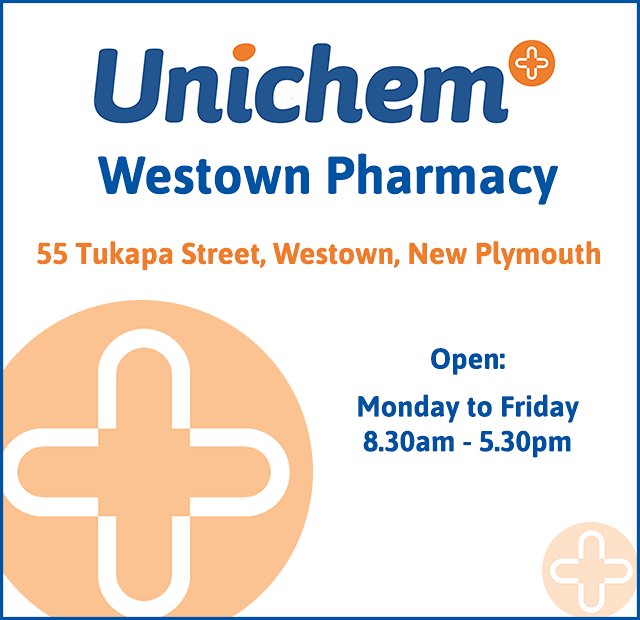


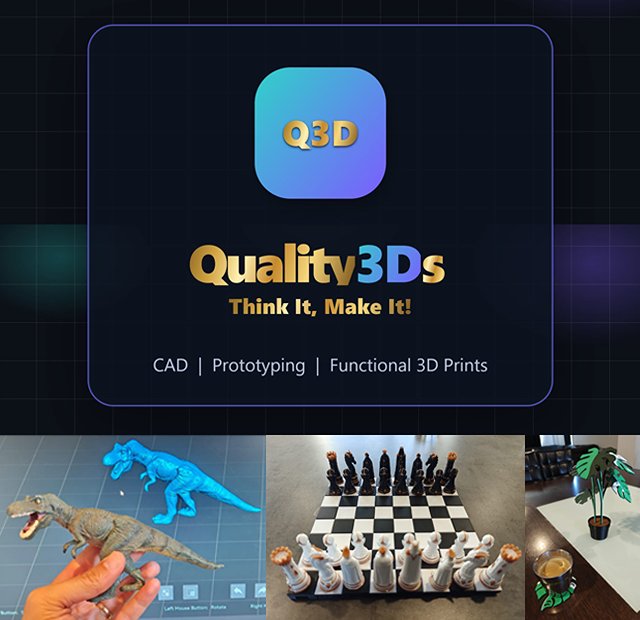
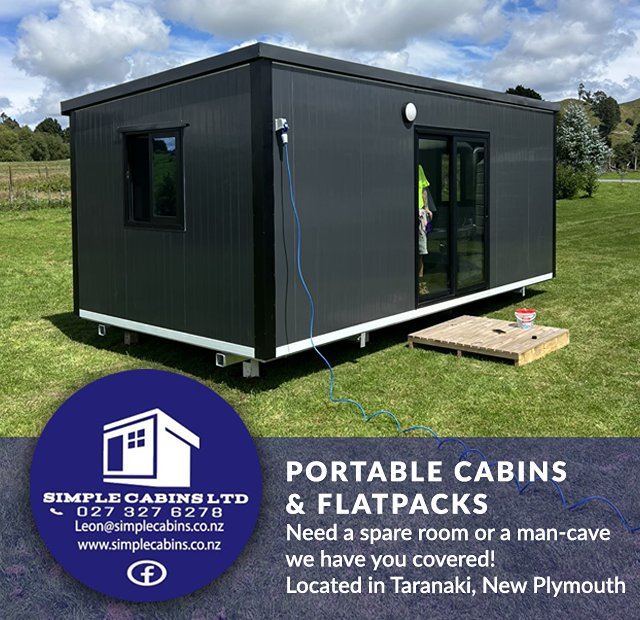
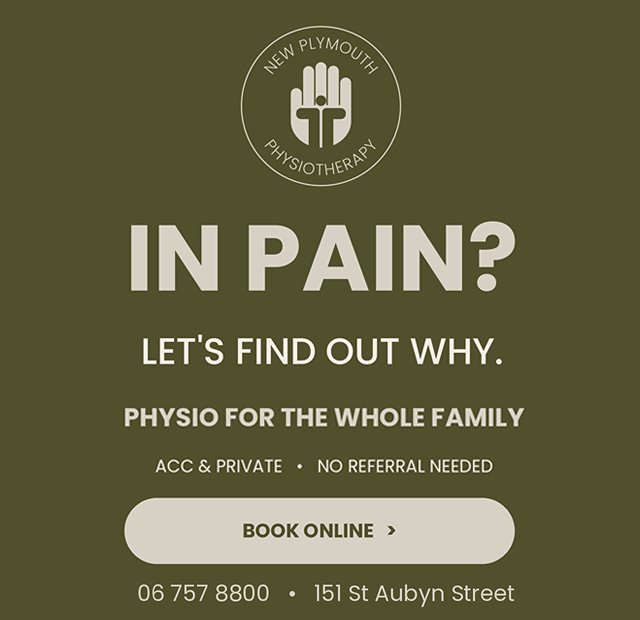

Visit Website

Call Direct

Send Email
Visit Website
Call Direct
Send Email
Visit Website
Call Direct
Send Email
Visit Website
Call Direct
Send Email
Visit Website
Call Direct
Send Email
Visit Website
Call Direct
Send Email
Visit Website
Call Direct
Send Email
Visit Website
Call Direct
Send Email
Visit Website
Scan this code to download the app
Download our Skool Loop App, a simple and free download. In Google Play & App Store search ‘Skool Loop’ and choose our school once installed.


